
Download the Batery Bet App for India on Android APK or iOS
Our Batery app is free and helps users in India on both Android devices and iPhones. On Android, you grab the APK; on iOS, you just get the iPhone version from the store. Inside, you’ll find sports betting, virtual sports, and a wide variety of casino games. Fund your account quickly using PhonePe, UPI, PayTM, or GPay. New users can grab a welcoming bonus of up to INR 150,000 along with 430 free spins. Next, check out the steps to download and set up for your device, and you can place bets while you’re on the go.
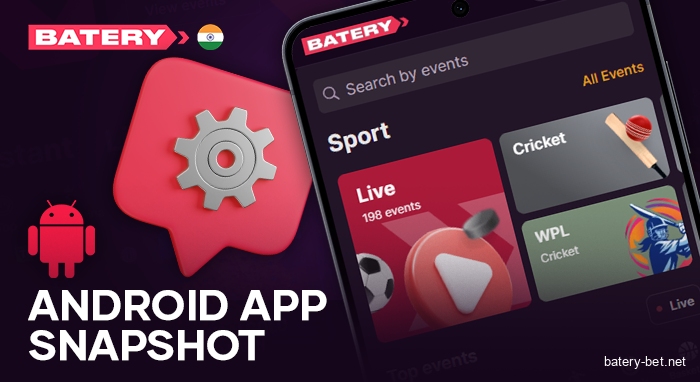
Android App Snapshot
Batery creates its Android app using the same tools as the website, all wrapped up nicely. You can place LINE and LIVE bets on more than 30 different sports and eSports. Switch to the casino as well: slots, live dealer games, and arcade titles too. The app opens quickly, keeps your data safe, and works well on older devices. All parts come together.
Users of iPhones and iPads don’t require a store app. Add the Batery PWA to your home screen and get the same set of tools. See the main specs below for Android.
| Supported OS | Android |
|---|---|
| Cost | Free |
| App Size | 87 Mb |
| Services | Sports and eSports betting, Casino |
| App Languages | English, Hindi, Bangla |
| Currency | INR, BDT |
| Payment Methods | UPI, PhonePe, GPay, PayTM, Crypto |
| Customer Support | Email, Live Chat, Social Networks |
| Latest Update for Android | June 2025 |
| Supported Countries | India, Bangladesh |
Download Batery APK for Android in Just a Few Minutes
Batery India for Android allows folks in India to access bets, casino games, and account features. Setup takes less than a minute, and the APK works nicely on phones that don’t need high specs.
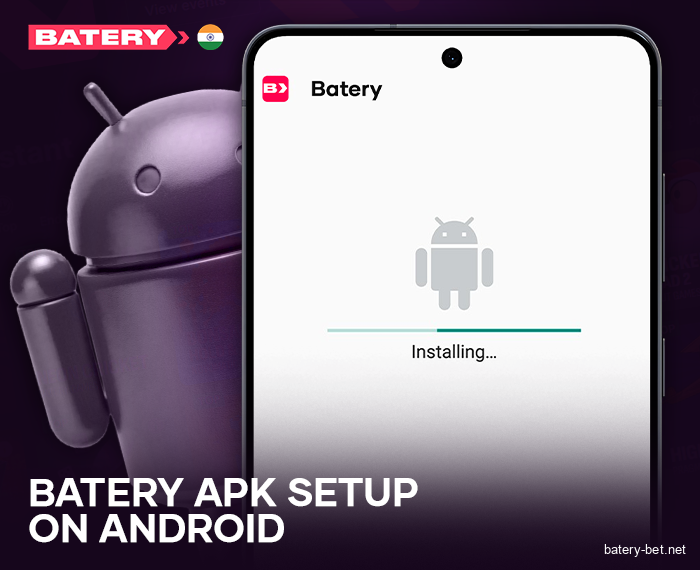
Quick Guide: Batery APK Setup on Android
You can download Batery from our website for free on your Android device.
Follow the steps below to grab the file, tweak a setting, and complete the installation in just a few minutes.
- Hit the download button on our site to quickly save the Batery APK to your phone.
- Go to Settings, then Security or Apps, and allow installations from unknown sources for your browser or file manager.
- Locate the ZIP file, unzip it, and run the APK to install Batery.
After you’ve set it up, start the app, log in using your information, and take a look at the sports bets and casino games.
Android App Requirements
Batery APK has simple hardware requirements, allowing it to work smoothly on nearly all Android phones, including those that are a bit older. Check these minimum specs first, and the app ought to launch and function smoothly without any interruptions.
| Android Version | Android 10.0 or later |
|---|---|
| Storage Space | 87 Mb |
| RAM | 1 GB + |
| Internet | Stable Connection |
Simple Batery Installation Guide for iOS iPhone/iPad
Currently, there’s no official iOS app available. Instead, you can run Batery as a PWA. Add it to your Home Screen from Safari. It works like an app, but it launches and operates right in the browser while offering all the site’s features.
Is Batery in Apple’s App Store
Batery for iPhone functions like a web app, meaning you access it through Safari or another browser, instead of downloading it from the App Store.
Because it’s always available online, you can bypass setup, and it doesn’t take up any phone storage whatsoever.
Pin Batery to iPhone Home Screen
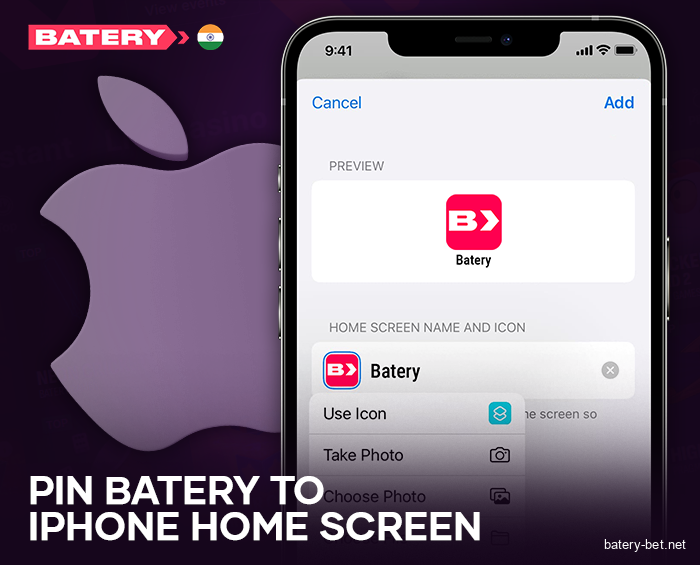
Batery doesn’t have a built-in iOS app, but you can easily add a PWA shortcut to your device in just a few minutes, without needing any special tools. It takes up the whole screen and acts like an app. Do these three things.
- Launch Safari on your iPhone or iPad, then type in the Batery website in the address bar, and wait for the page to load.
- When you see the sign-in screen, log in, or set up a new account if you don’t already have one.
- In Safari, hit the Share button at the bottom, choose Add to Home Screen, and confirm your choice.
A batery icon appears on your Home Screen, letting you tap it for quick access to your account.
iOS Minimum Specs
The Batery app works smoothly on most iPhones and iPads, and here are the basic requirements.
| iOS Version | iOS 11.0 or later |
|---|---|
| Free Space needed to install | 1.1 MB |
| RAM | 1 GB or more |
| Processor | 1.4 GHz |
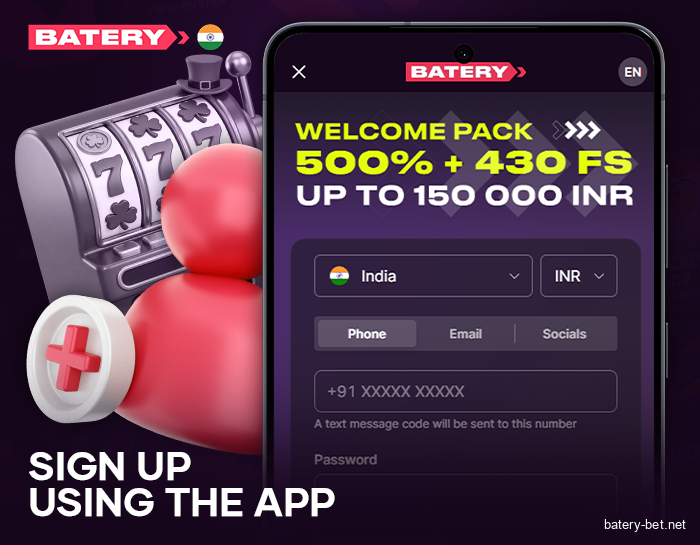
Sign Up Using the App
Indian players can easily create a Batery account within the app without any hassle. It typically takes around two minutes.
Once you’re done, the app signs you in immediately, giving you access to everything.
- Open the app, hit Join Now, and select Create Account to kick off the signup process.
- Decide how you want to sign up: with your phone number, email, or through a social account like Google or Facebook.
- Input your mobile number or email, create a username, and make sure everything lines up correctly.
- Put in the SMS OTP that comes to your phone, verify it, and press submit to complete the registration.
Log Into Batery on Your Mobile
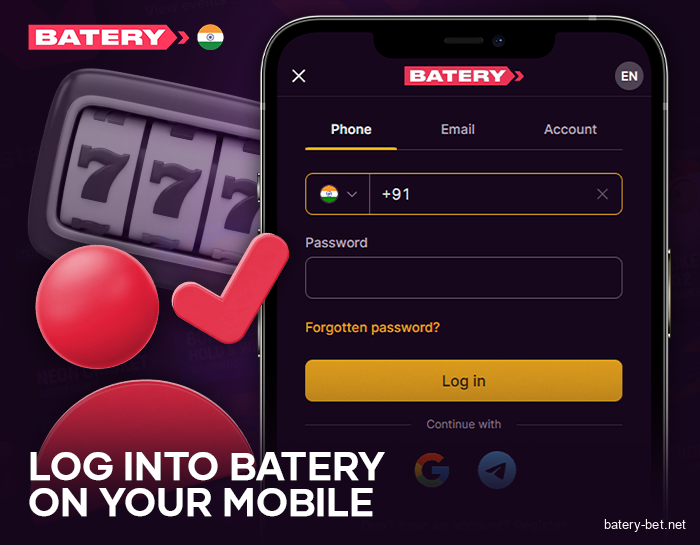
If you have a Batery account, just log in through the mobile app to make bets or access casino games.
Follow these four steps and have your details handy:
- Open the app you installed on your phone.
- Click Log In at the top.
- Enter your email or phone number, and then your password.
- Hit the confirm button to move on.
Once you’re signed in, the home page will appear, and you can pick a section to place bets or dive into casino games.
Game Library Inside the Batery Bet App
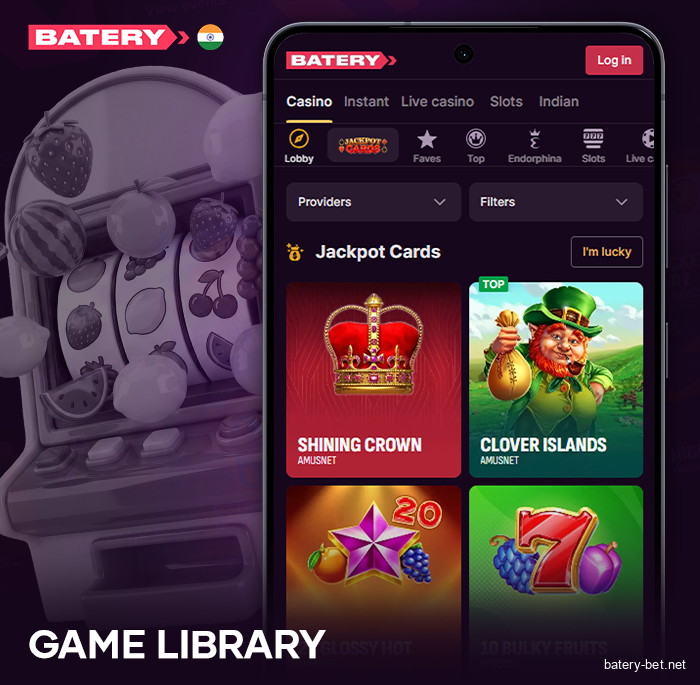
The Batery Bet app features games from BGaming, SmartSoft, and Pragmatic Play, along with offerings from other studios. You’ll find over 6,000 games available, all of which work smoothly on Android and iOS devices, even with slower 4G connections.
The selection is wide-ranging, featuring everything from classic slots to fast-paced arcade games and live dealer tables. Use the provider filter to narrow it down to one studio, or just type a name in the search bar for quick access. The lobby sorts the games into the main sections listed below, letting you dive right in without any extra steps. These menus will remain unchanged in 2026, though there will be frequent updates.
- Crash Games.
- Slots;
- Live Casino;
- Indian Choice;
- Instant;
- Table Games;
Mobile Bonuses and Promo Offers 2026
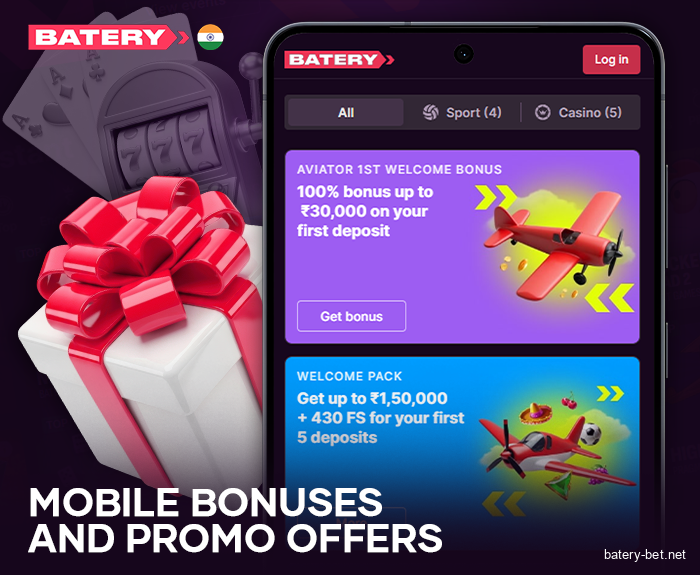
Your phone batery now gives you cash and free spins, whether you’re a fresh account holder or a regular player. Choose the right pack when you make your deposit and stick to the minimum requirements. Below are four offers featuring set limits and extras.
- You can claim as much as 150,000 INR and get 430 FS with your first five deposits. Each time, choose either Casino or Sports;
- Crypto Bonus. Deposit a minimum of 1,000 INR in crypto, and you’ll get 200% plus 300 free spins, along with up to 10% cashback and a chance to spin the Wheel of Fortune;
- Sports Bonus. On your initial deposit, pick Sports and get 150% plus 200 FS;
- Casino Bonus. Deposit 300 INR or more and grab a 150% bonus along with 200 free spins on the Burning Wins slot.
India Mobile Deposit and Payout Options
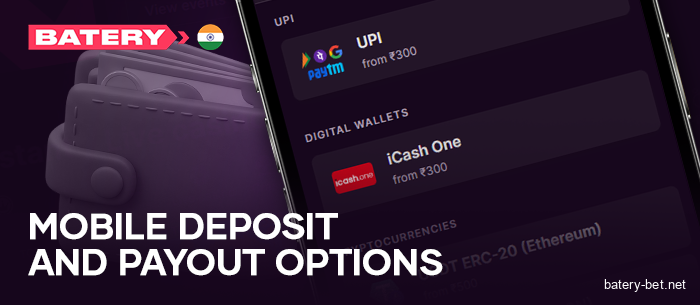
With the Batery mobile app, you manage your account balance and transfer money in and out in INR whenever you need to. Pick cards, bank transfer, UPI, and major cryptocurrencies. Each transfer employs encryption, checks on devices, and PIN guidelines to keep cash safe here.
Steps to Make a Mobile Deposit
Batery makes topping up your mobile easy and fast for 2026 play. We offer a variety of choices that you often find in Nigeria, even if that note seems a bit strange. You can use bank accounts, debit or credit cards, and even e-wallet services to provide funding.
Here are the details and limits listed below.
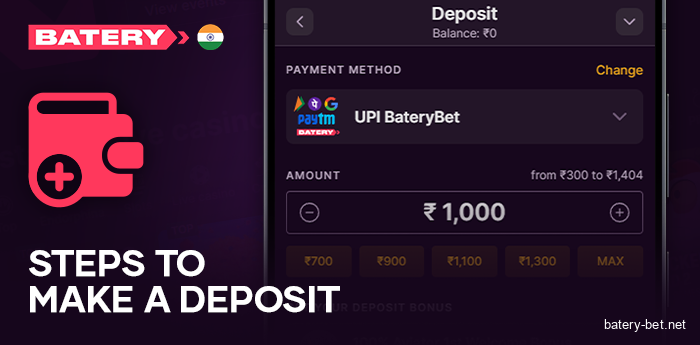
| Payment Method | Minimum Deposit | Maximum Deposit | Replenishment Time | Commission (Fee) |
|---|---|---|---|---|
| UPI | 300 INR | 100,00 INR | Instant | Free |
| PayTM | 300 INR | 100,00 INR | Instant | Free |
| PhonePe | 300 INR | 100,00 INR | Instant | Free |
| GPay | 300 INR | 100,00 INR | Instant | Free |
| USDT TRC20 | 500 INR | 500,000 INR | Up to 15 minutes | Free |
| Bitcoin | 1,026 INR | 500,000 INR | Up to 15 minutes | Free |
| Ethereum | 2,000 INR | 500,000 INR | Up to 15 minutes | Free |
| Litecoin | 500 INR | 500,000 INR | Up to 15 minutes | Free |
| Tron | 500 INR | 500,000 INR | Up to 15 minutes | Free |
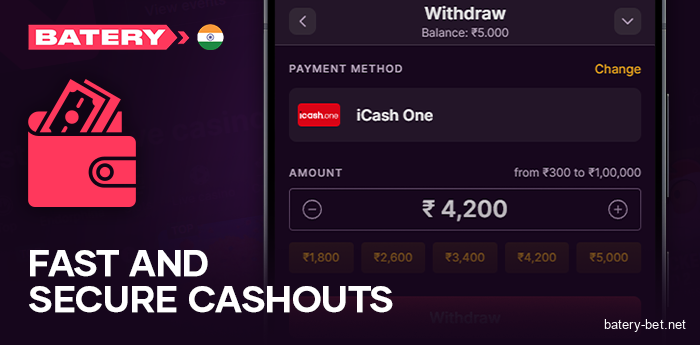
Fast and Secure Mobile Cashouts
Batery makes it easy to take out cash right from your phone. Choose from a bunch of trustworthy payout options, all with straightforward limits.
Take a look at the table to find the minimums, maximums, usual processing times, and any fees for each method.
| Payment Method | Minimum Withdrawal | Maximum Withdrawal | Withdrawal Time | Commission (Fee) |
|---|---|---|---|---|
| UPI | 500 INR | 100,000 INR | Up to 24 hours | Free |
| PayTM | 500 INR | 100,000 INR | Up to 24 hours | Free |
| PhonePe | 500 INR | 100,000 INR | Up to 24 hours | Free |
| GPay | 500 INR | 100,000 INR | Up to 24 hours | Free |
| USDT TRC20 | 500 INR | 500,000 INR | Up to 24 hours | Free |
| Bitcoin | 1,026 INR | 500,000 INR | Up to 24 hours | Free |
| Ethereum | 2,000 INR | 500,000 INR | Up to 24 hours | Free |
| Litecoin | 500 INR | 500,000 INR | Up to 24 hours | Free |
| Tron | 500 INR | 500,000 INR | Up to 24 hours | Free |
Always-On Support
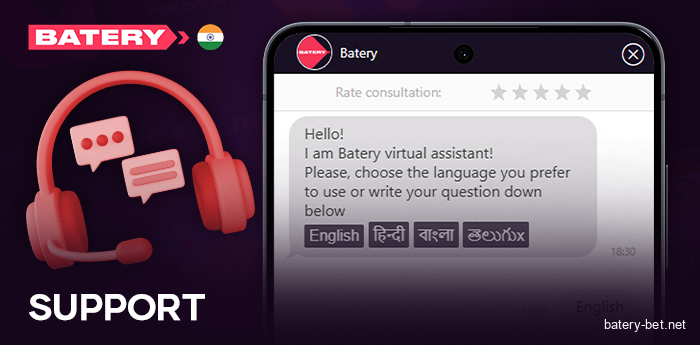
If a payment doesn’t go through or you have a question about our service, the Batery support team is here to help. Replies are quick, and you can contact the team through the two options listed below at any time.
- Live Chat: available 24/7 in the app and on the mobile site;
- Email: support@batery.in.
FAQ
Can you grab the Batery app in India?
People in India can install Batery on their Android phones from the download. On your iPhone or iPad, just use the PWA version that you added from Safari, and it’ll act just like an app.
Do Batery Mobile App Tools Align with Site Features?
Absolutely.
It has everything you need: create an account, grab promotions, place sports bets, enjoy casino games, handle deposits and withdrawals, and get in touch with support.
Do I Need to Set Up a New Account for Mobile?
No. Just signing up once means you can log into both the website and the mobile app.
Is Batery App Safe for Sports Betting?
Absolutely. Batery App employs SSL encryption to protect your private information and any card or wallet details when you’re making deposits or withdrawals.
Why Won’t the App Install Here?
There are times the installation gets stuck when your data connection fails, your phone’s storage is full, or Android prevents installations from unknown sources if that option is turned off.
Make sure you’re connected, clear some space, switch it on, and give it another go.